The key is always in the smartphone
Standalone lock for short-term rentals
Checks guests in 24/7 — even without internet or Wi‑Fi
Forget key-related problems: guests receive access automatically and open the door with a smartphone in one tap
Trusted by








NKSecure Pro capabilities
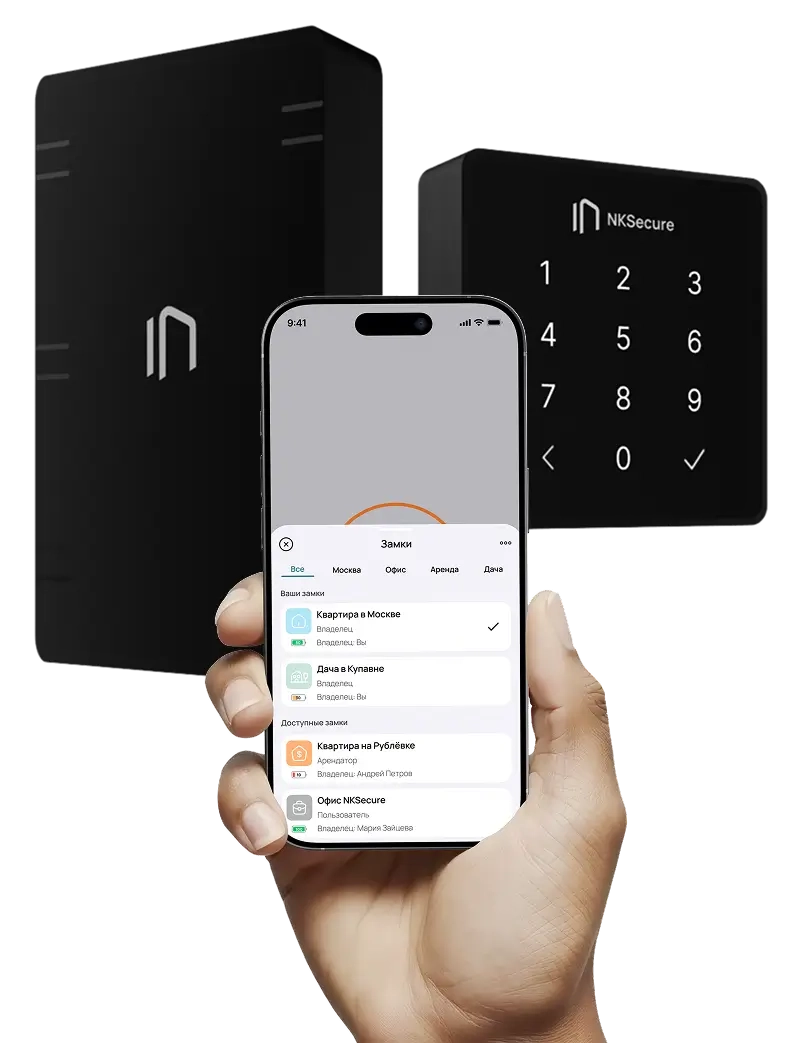
The NKSecure Pro smart lock turns opening a door into a simple, natural movement — for guests, owners, and teams.
Works without internet or connectivity
Digital keys cannot be copied
NFC and passcode access
Emergency backup access
Grant and revoke access in one action
More compact than alternatives
API for additional integrations
Realty Calendar, TravelLine, and Shelter integrations
Automated check-in
Simple installation
Access history, limits, and roles
Link access without creating a code manually
Minimalist design
Lower workload for staff
Rating*+0,5%
LTV*+11%
NPS*+19%
*Rating is the average score guests give a property after their stay. *LTV is the total value a customer brings throughout their relationship with a company. *NPS measures how willing customers are to recommend a company, product, or service.
What can happen in short-term rentals
Every year, landlords lose part of their income and precious time because of old locks
2~8 hours
Spent handing over keys every week
You spend a lot of time just organizing check-ins and meeting with residents
Lack of control tools
Without a digital event log, it is impossible to know who was in the apartment and when
Remote object management
Handing over keys becomes a logistical challenge, often requiring an intermediary
Risk of key copying
A duplicate physical key can be made in 5 minutes, resulting in the need to change the lock cylinders after guests leave
Emergency response
If a guest loses their key or locks themselves out of the apartment, you have to go there in person or call a locksmith
I’m sorry, I lost the keys to your apartment...
I’ll be right there to give you the spare ones
Why physical keys remain a weak point
NK Pro turns access from manual routine into a controlled digital process — with fewer trips, risks, and expenses.
Without NK Pro
A physical key creates constant operating costs
Access cannot be transferred remotely
No control over cleaners and staff
Costs and complications when keys are lost or stolen
Risk of duplicate keys and no notifications about entry or break-ins
With NK Pro
One lock changes the entire rental workflow
Save on physical keys and lock cylinder replacements
Resolve emergency situations faster
Fewer trips and less staff workload
More returning guests and referrals
Less manual work — more control over properties and the guest experience.
Easy installation
Learn more about installationstep 1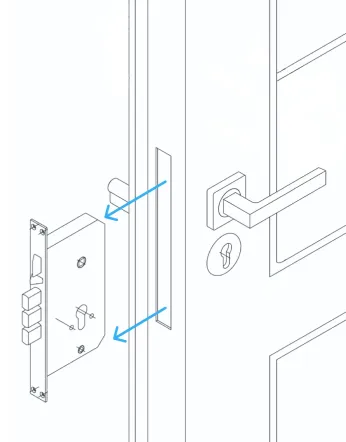
Dismantle the old lock
Remove the handles and trims, unscrew and remove the cylinder and the old lock body from the door leaf.
step 2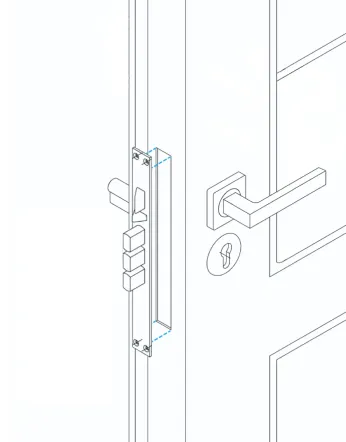
Mark the lock mounting area
Place the template against the door edge and face. Mark the hole centers and the outlines of the recesses for the lock and strike plate.
step 3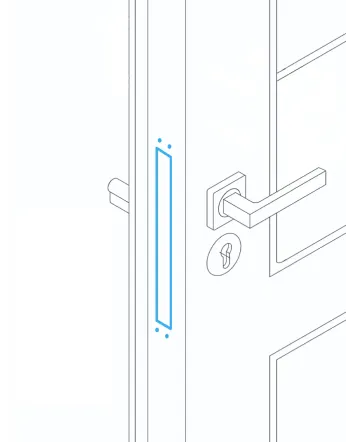
Prepare the holes
For wood, use a screwdriver and chisel; for metal, use a rotary tool and burrs. Follow the markings carefully.
step 4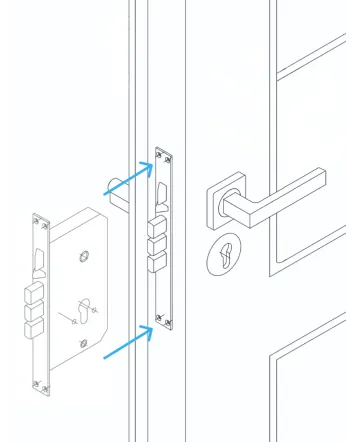
Install the mechanical lock components
Secure the new lock body in the door edge. Install the cylinder, handles, and trims. Screw the strike plate onto the door.
step 5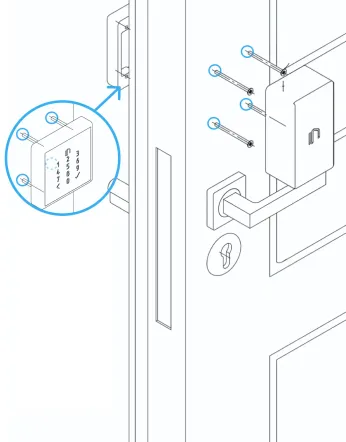
Prepare space for the electronic units
Using the template, mark and drill the holes for mounting the external and internal units.
step 6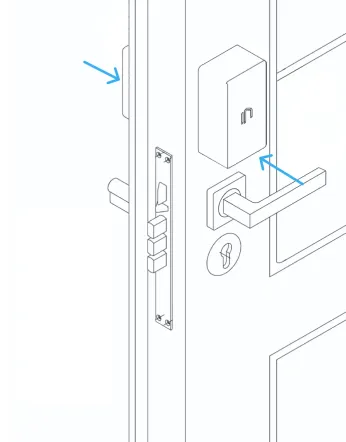
Secure the electronic units
Mount the housings using the fasteners from the lock kit. Route and connect the wires between the units.
Submit a request and a 10% discount will be reserved for you automatically
We will contact you, tell you more about NK Pro, and calculate your savings after implementation.
By filling out and submitting the form, I agree to the processing of personal data
How it works
Install the smart lock
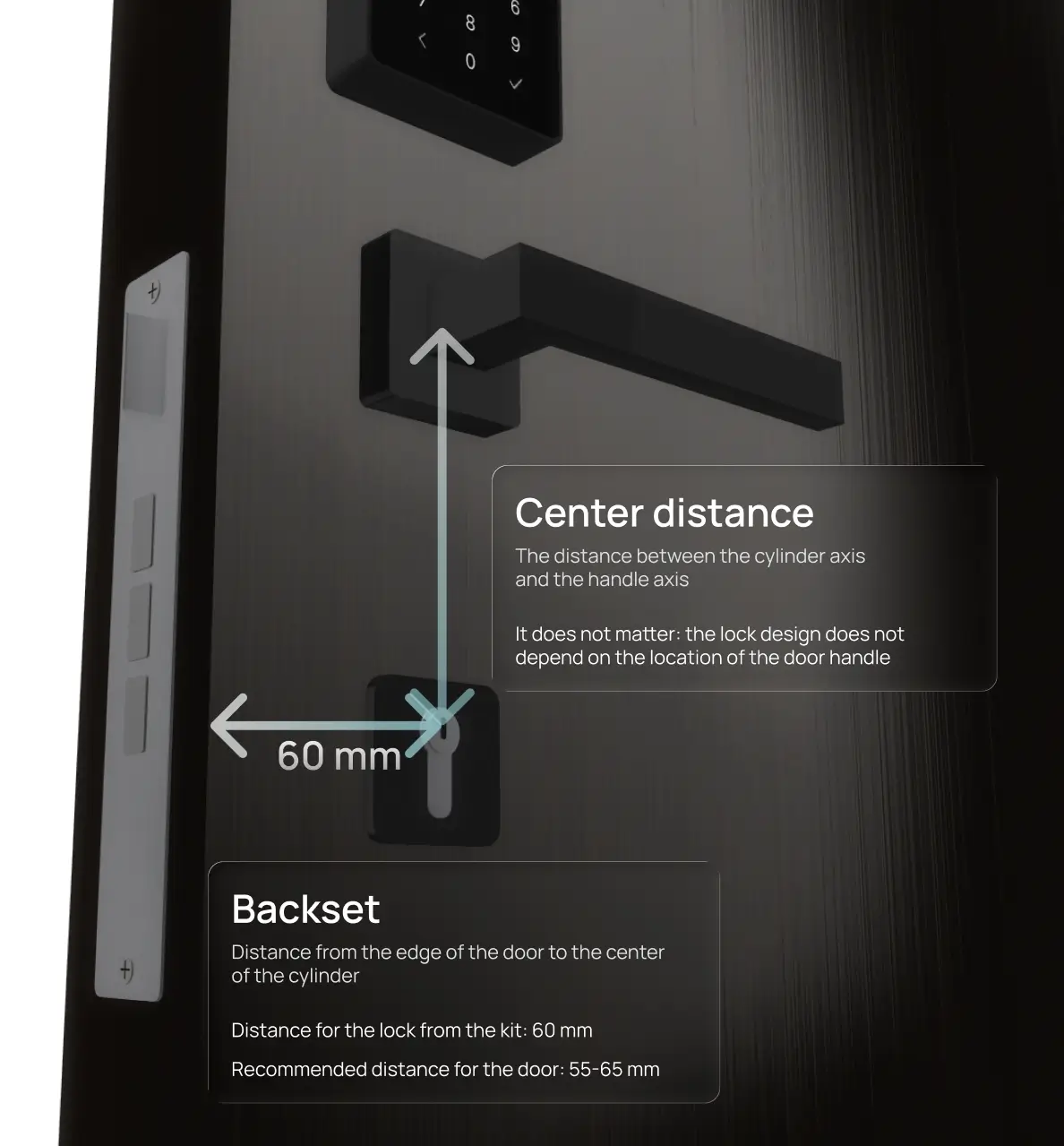
Install the lock on your door using the detailed instructions and templates. For Moscow and Moscow Region, you can order installation by our specialists.
The lock fits most standard doors, and small differences in size are covered by a decorative cover. See the image:
Connect the app
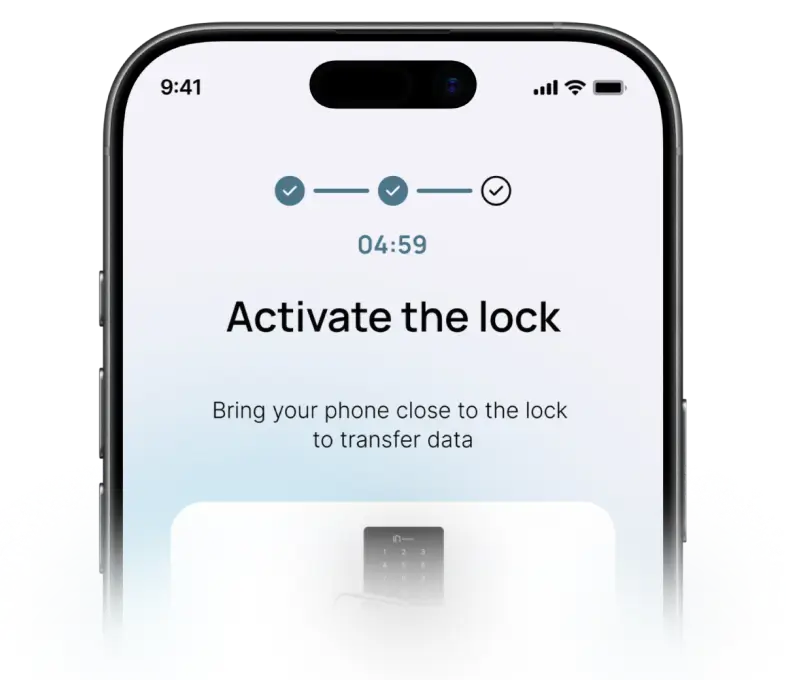
Download the app and activate the lock in a couple of minutes. From that moment on, you will have access to all access management tools, analytics, and facility control.
Grant access
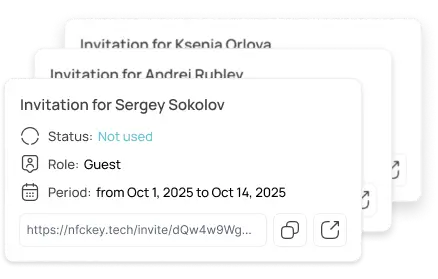
Create guest keys with restrictions based on dates, roles, and schedules. To check in, guests will need to send a link or passcode.
Watch the check-in
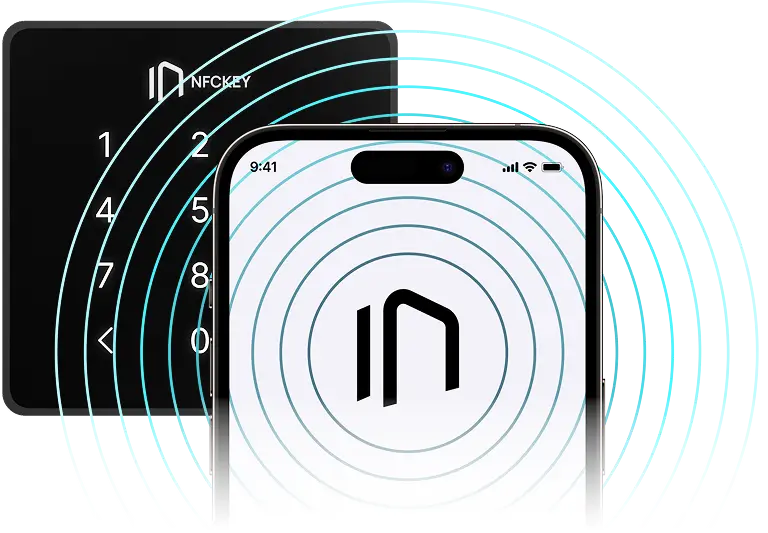
Upon arrival, guests can open the door using NFC in the app or a passcode. No meetings, key transfers, or waiting — just quick and remote access.
Keep track of events
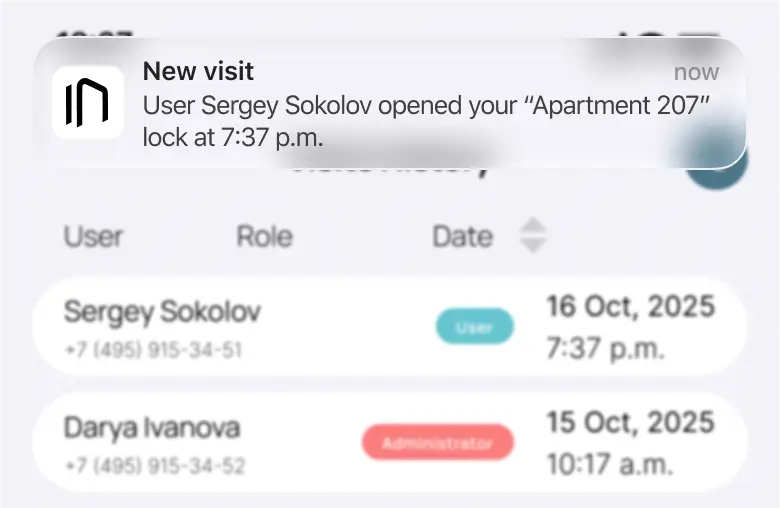
You retain control over your space during your guests’ stay. The built-in event log shows who opened the lock and when.
Trust automation
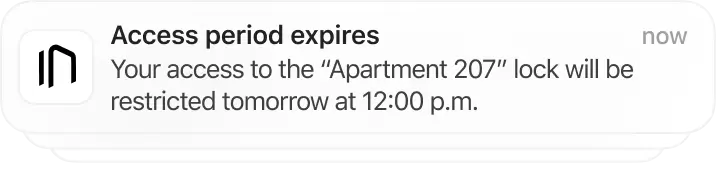
After the end of the term of residence, the digital key immediately stops working. You do not need to revoke anything manually — the system will do everything itself.
Compare with us
NKSecure Pro
Security
NKSecure Pro: Cannot be copied or shared

Keybox: The code can be saved or shared
NKSecure Pro: History of every entry
Keybox: It is impossible to know who actually opened the door
NKSecure Pro: Instant access revocation

Keybox: The code is often left unchanged for months
NKSecure Pro: The most secure access technology in the world¹
Keybox: Quick and easy to break into with readily available tools
Automation and scaling

NKSecure Pro: Works as a system
Keybox: Works only manually
NKSecure Pro: Suitable for any number of properties
Keybox: Does not scale
NKSecure Pro: PMS integration and automated check-in processes
Keybox: Every property adds more processes
Guest experience and NPS
NKSecure Pro: Self check-in
Keybox: Communication with an administrator when questions or problems arise
NKSecure Pro: No waiting or messaging
Keybox: Confusion during the first opening
NKSecure Pro: A modern and straightforward check-in process
Keybox: Stress during late check-in
NKSecure Pro: More trust, a higher rating, and a higher price
Keybox: Often leads to negative reviews
Risks and financial losses

NKSecure Pro: No lost keys
Keybox: Lost keys
NKSecure Pro: Reduced fraud
Keybox: Property downtime
NKSecure Pro: A fast response to emergencies
Keybox: No property control
NKSecure Pro: Works for more than 5 years
Keybox: Mechanical wear
Cost

NKSecure Pro: 21,990 ₽ or 60 ₽ per day

Keybox: 500 ₽ initially and ≈20,000 ₽ per year
NKSecure Pro: Security and peace of mind for your properties
Keybox: Every day is exposed to risks associated with physical keys
NKSecure Pro: No unexpected expenses
Keybox: Expenses may appear at any time
NKSecure Pro: Automated check-in and processes
Keybox: Partly manual check-in management and the need for control
Submit a request and a 10% discount will be reserved for you automatically
We will contact you, tell you more about NK Pro, and calculate your savings after implementation.
By filling out and submitting the form, I agree to the processing of personal data
Install the NKSecure mobile app
Try the free demo version of object management now



Gallery and specifications
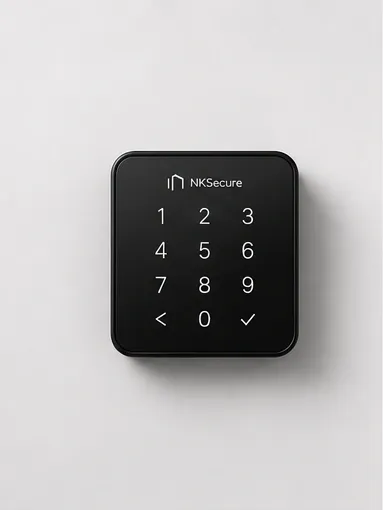
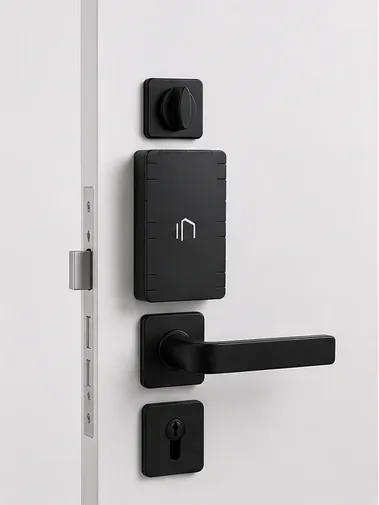
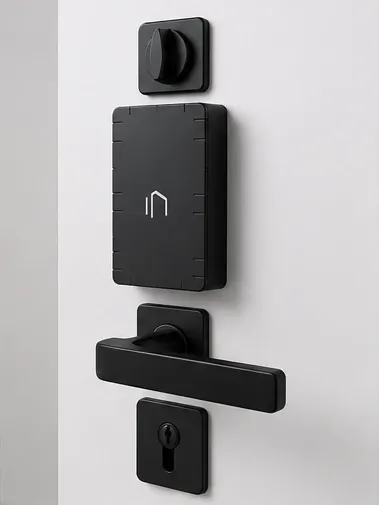
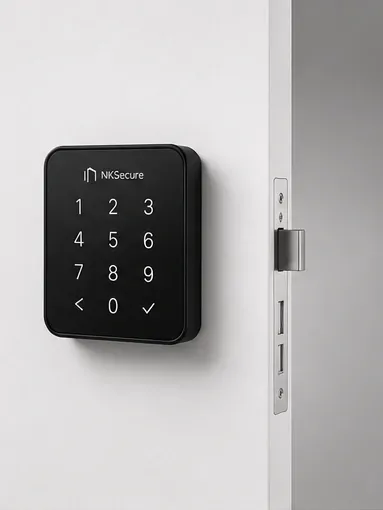
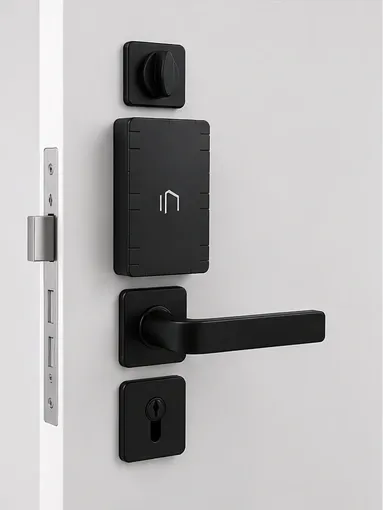
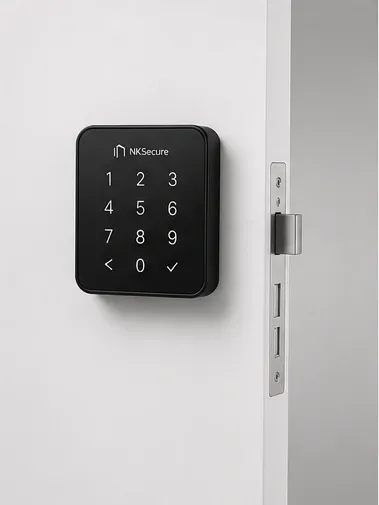
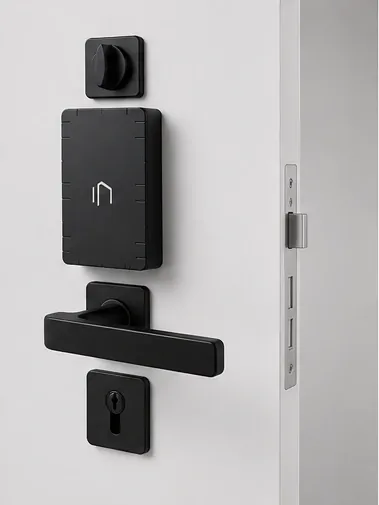
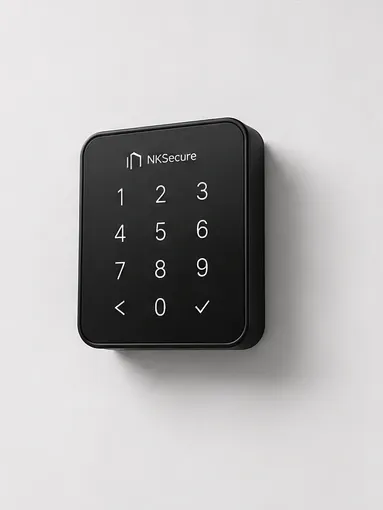
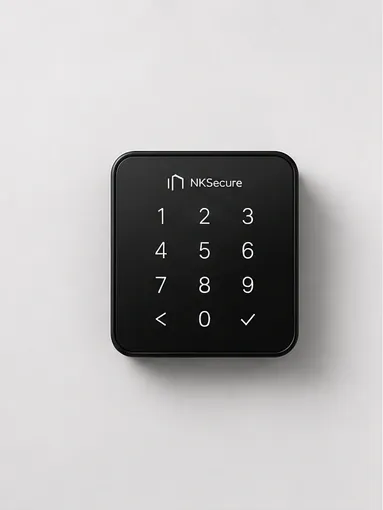
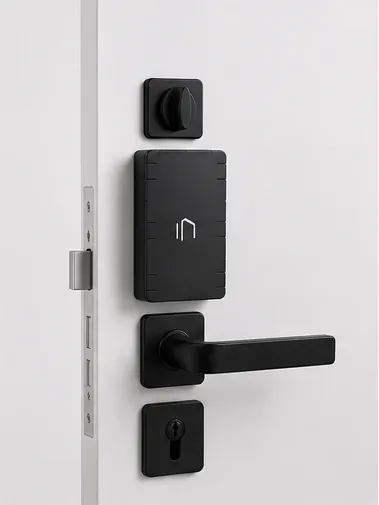
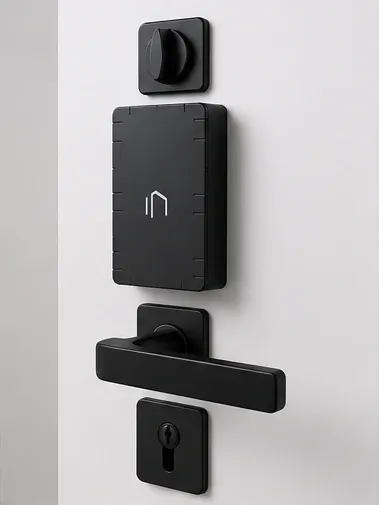
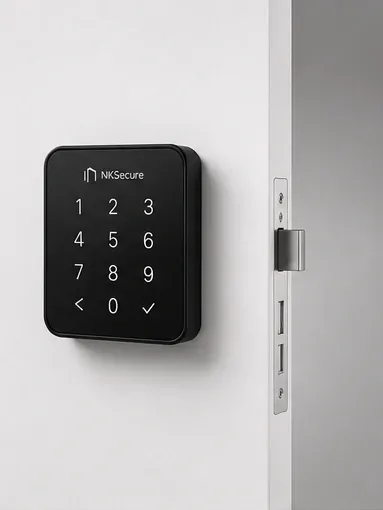
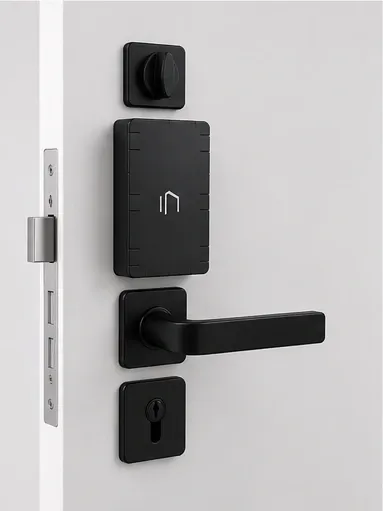
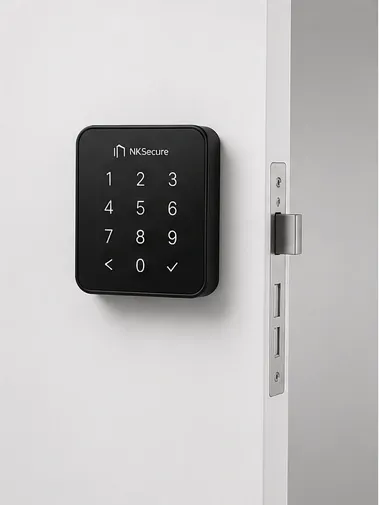
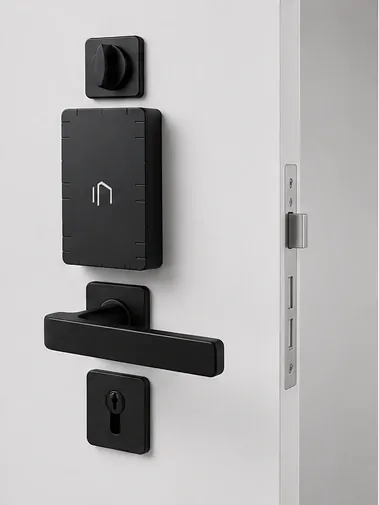
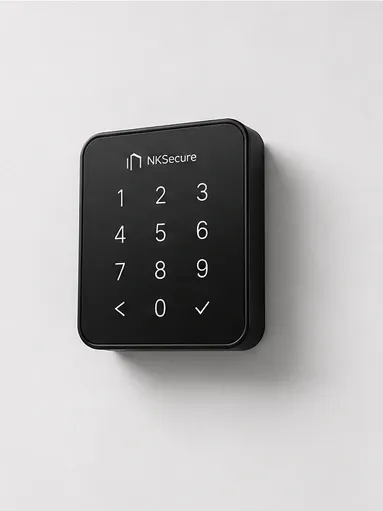
Technical specifications
Title
NKSecure Pro Smart Lock
Model
NFCSL01TS
Color and material
Black, plastic
Door thickness
40–80 mm (standard)
Power
Replaceable AA type battery;
Emergency power supply via USB-C (5 V) connector
Communication protocols
NFC, Bluetooth LE, Zigbee
Compatibility with mobile OS
Android 8.1 (Oreo) or later;
iOS 15.0 or later
Additional features
Remote access, Notifications of hacking attempts
Operating temperature
-20°C ~ 70°C
Supply package
Front panel × 1, Inner panel × 1, Electromechanical lock × 1, Mounting hardware kit × 1, Set of AA batteries × 1, User manual × 1
Front panel dimensions
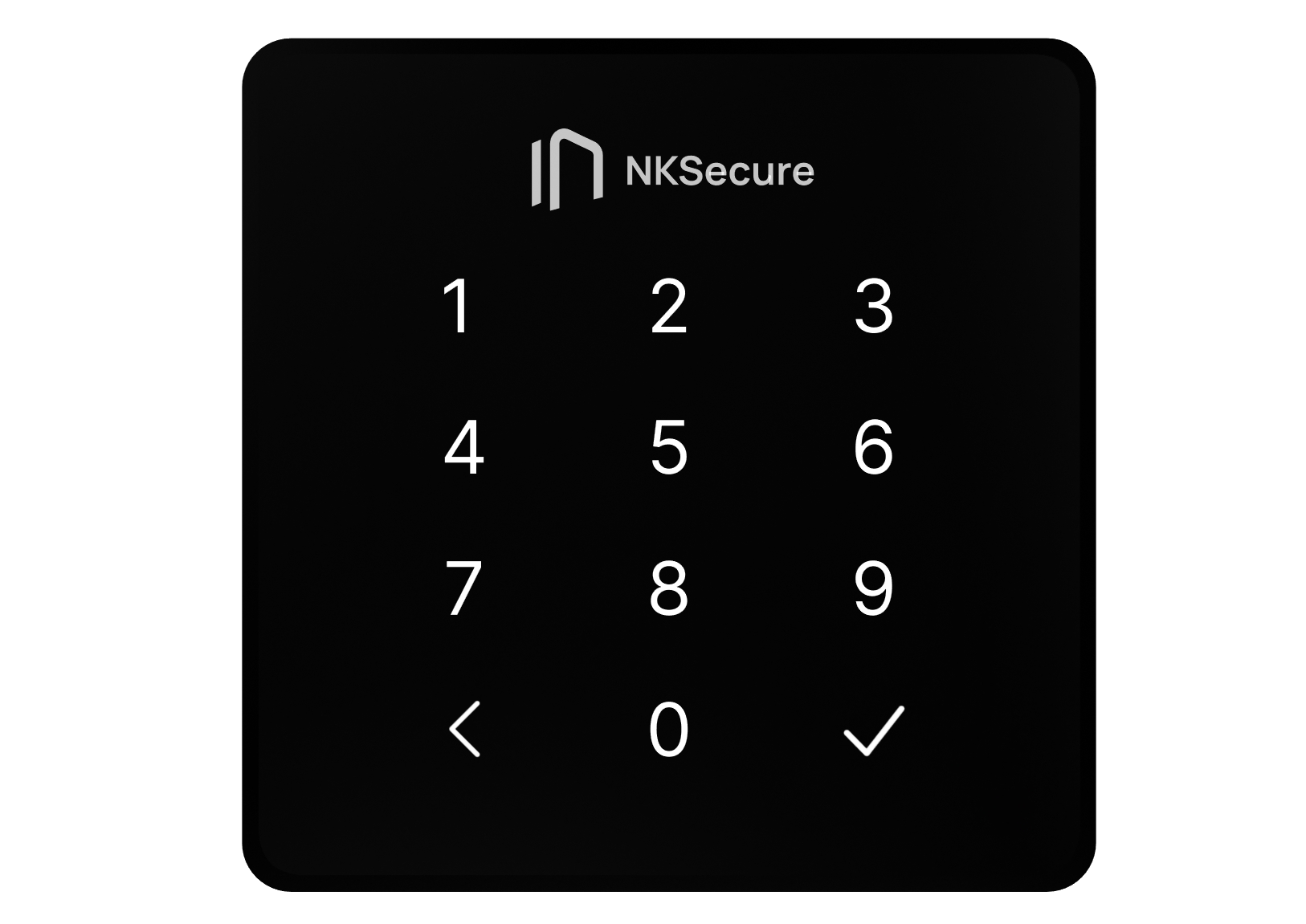
96 × 96 × 20 mm
Rear housing dimensions
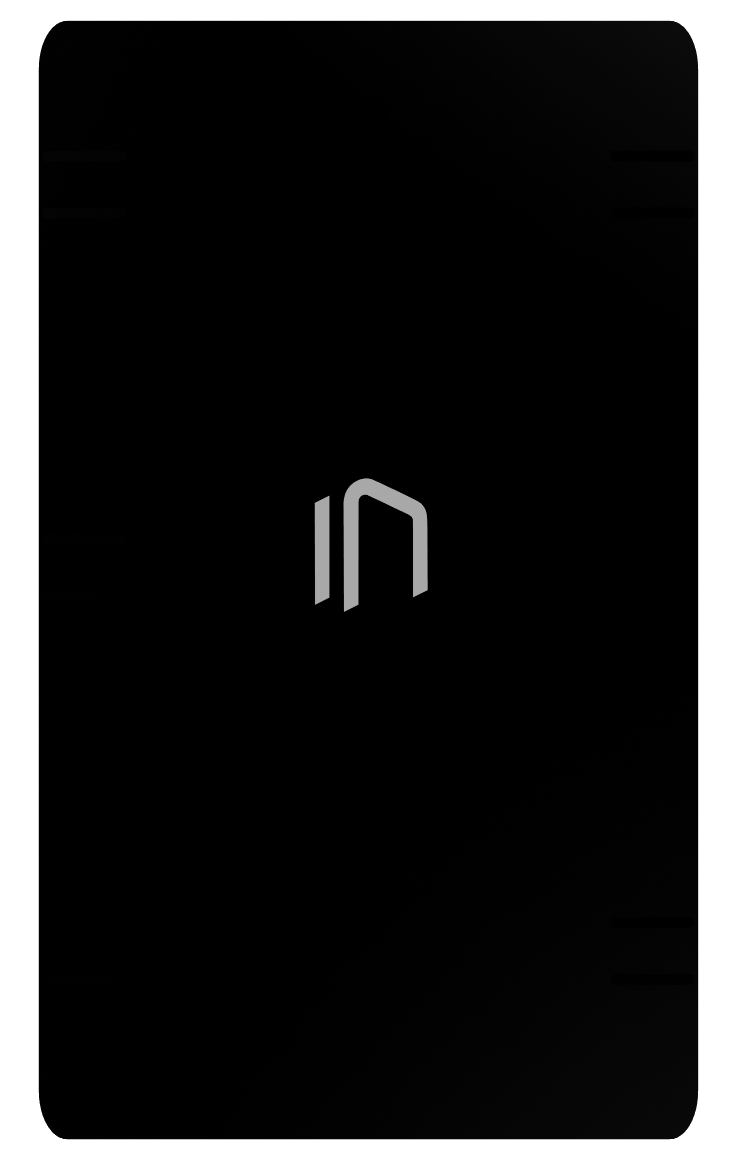
120 × 65 × 45 mm
Net weight
3.5 kg
What's in the box
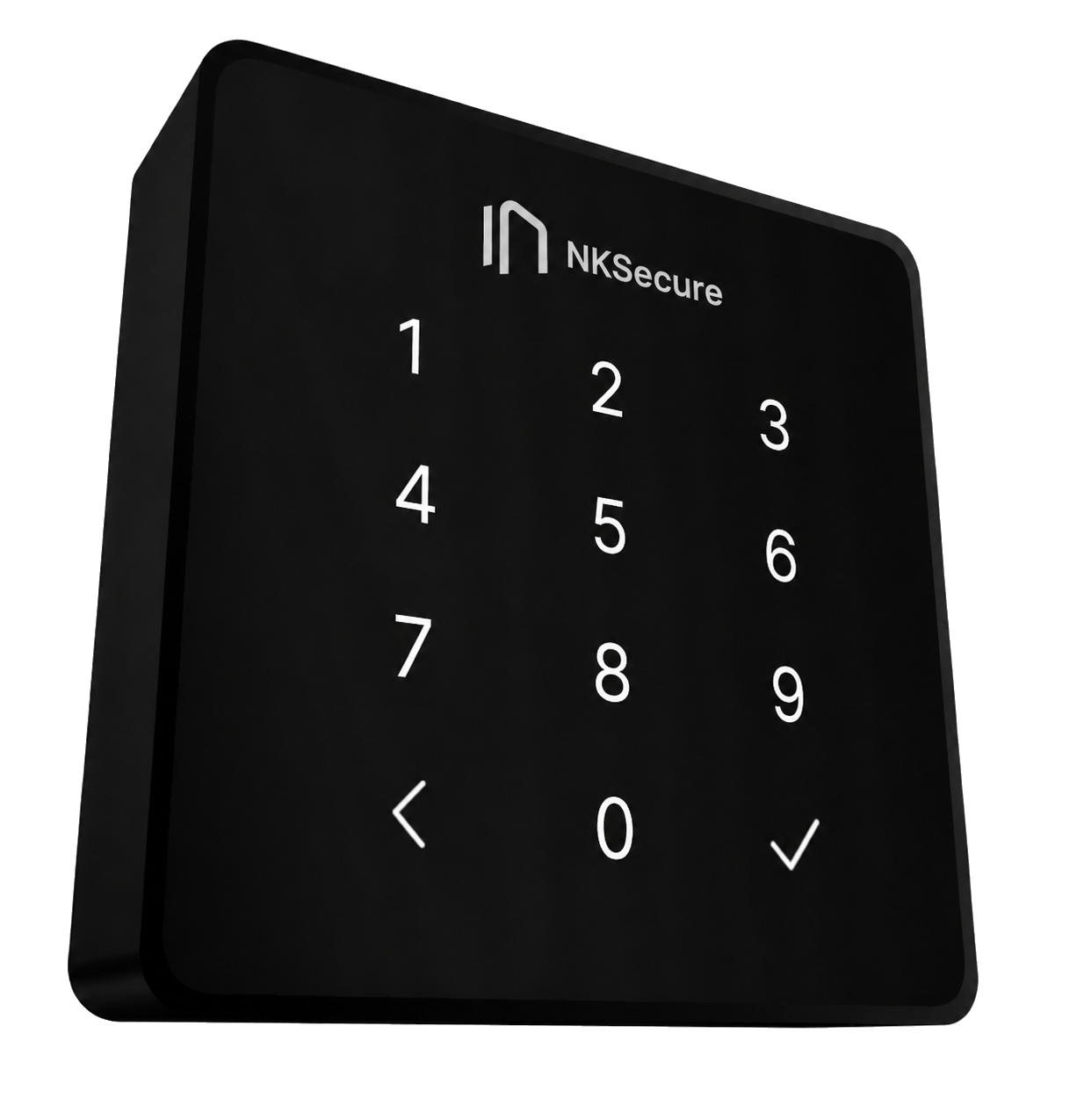
External panel
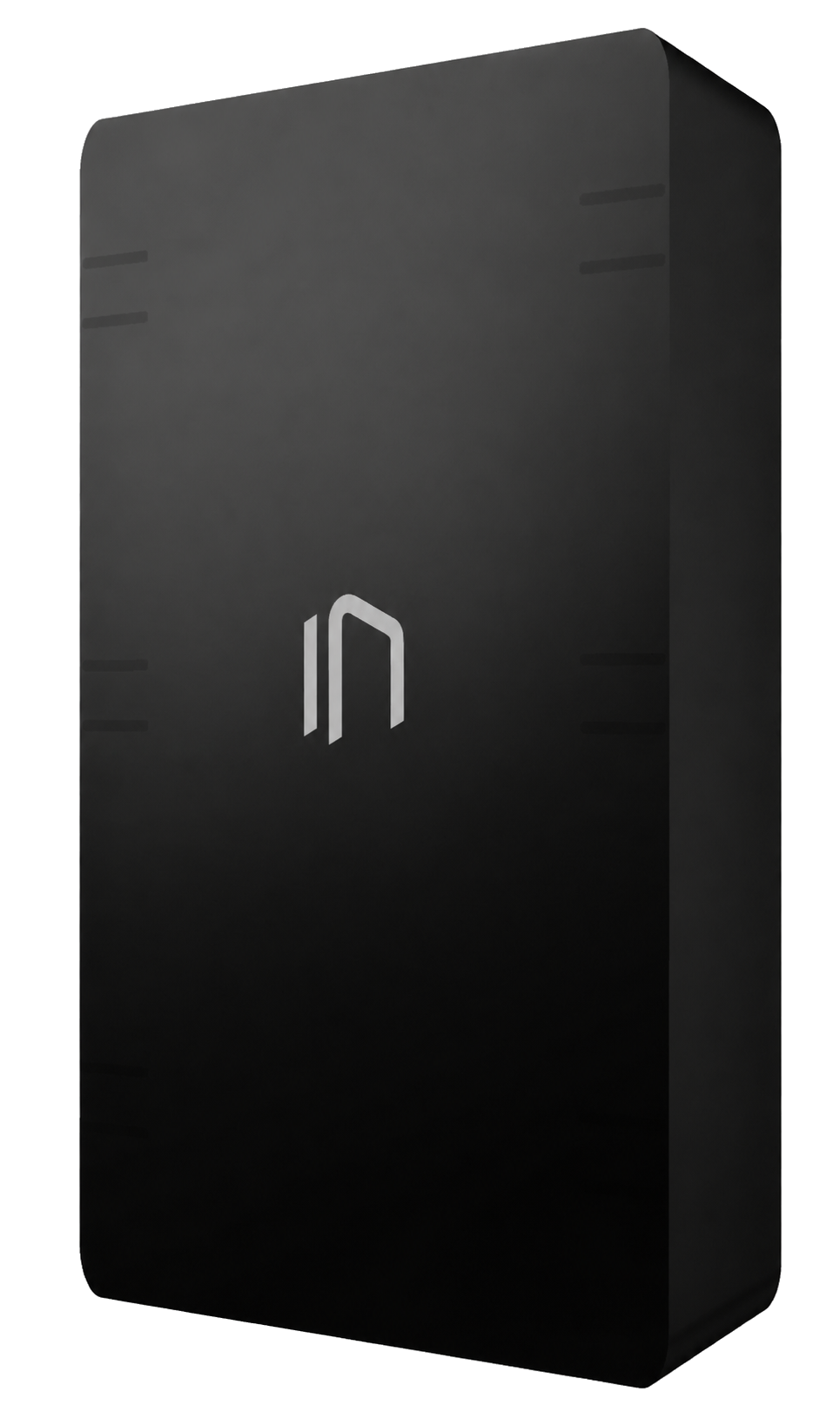
Inner panel
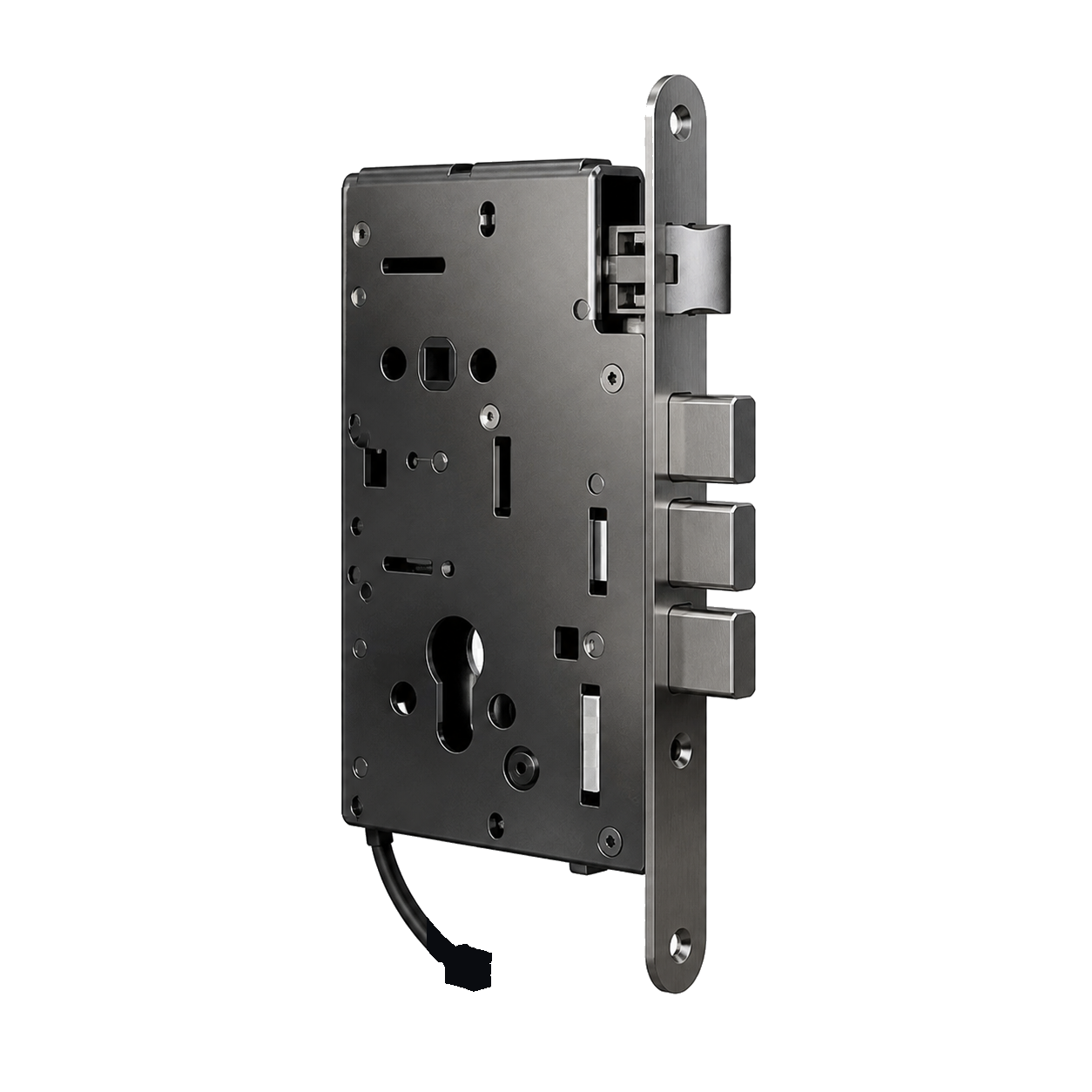
Electromechanical lock
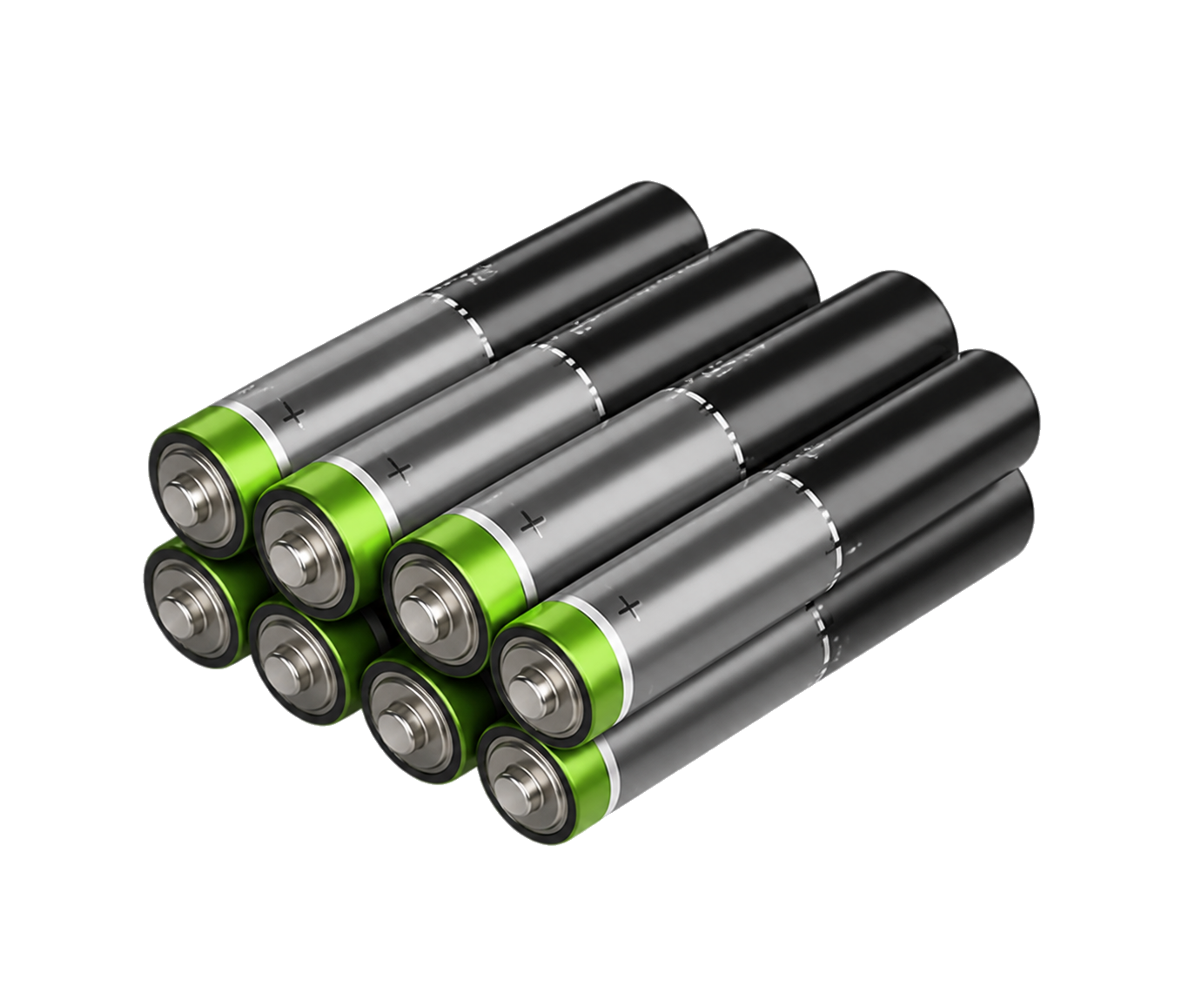
AA batteries, 8 pcs.
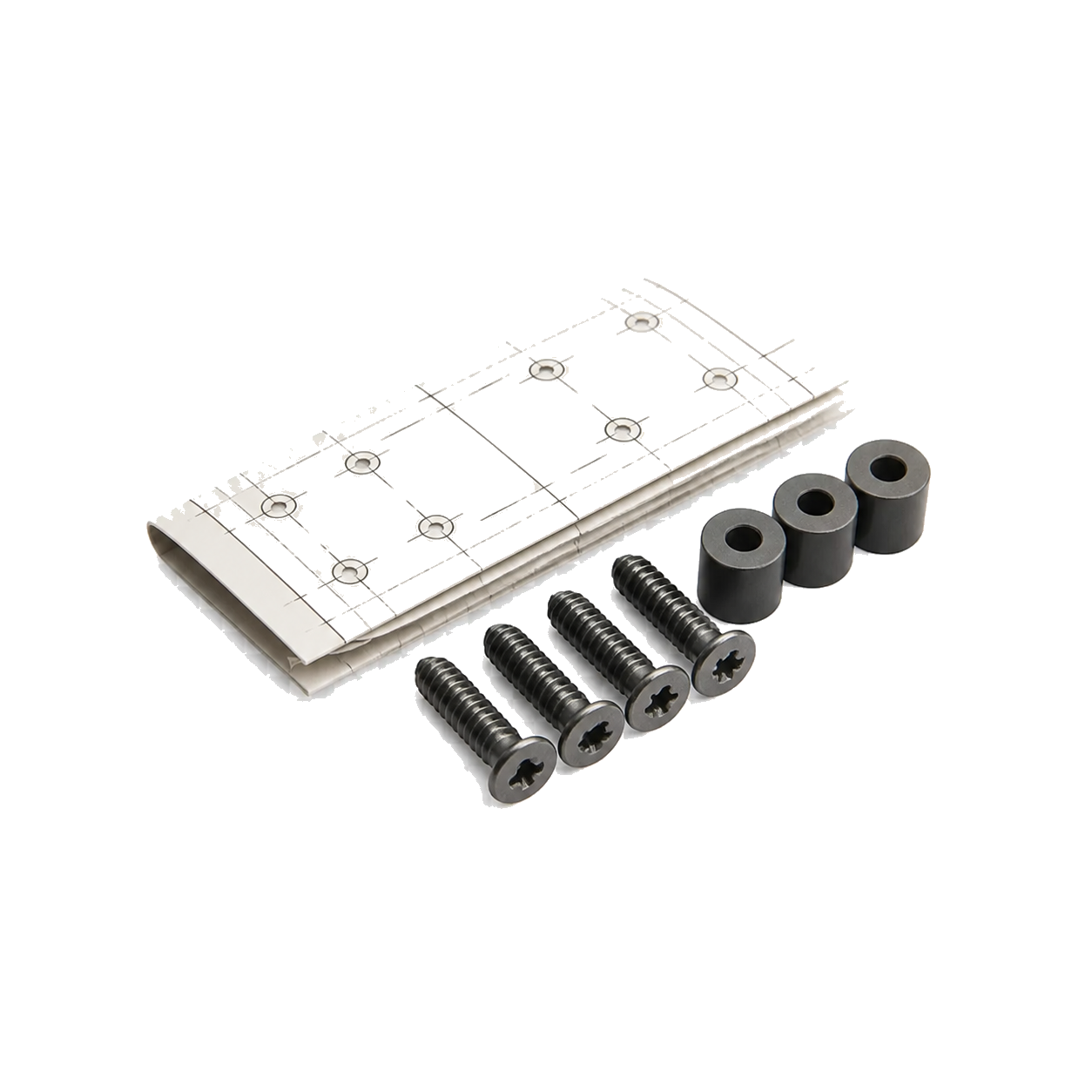
Mounting kit and template
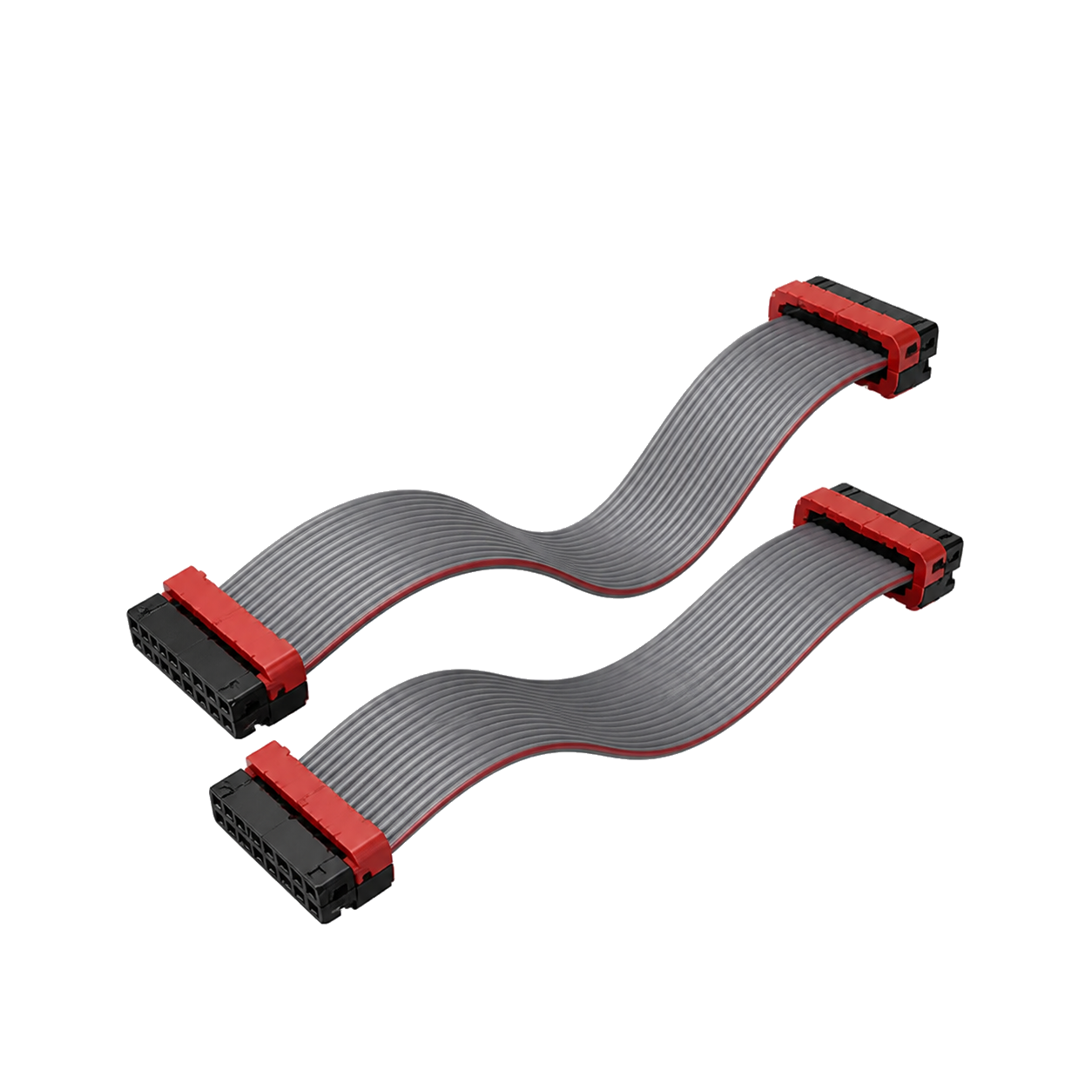
Ribbon cables
Elements and dimensions
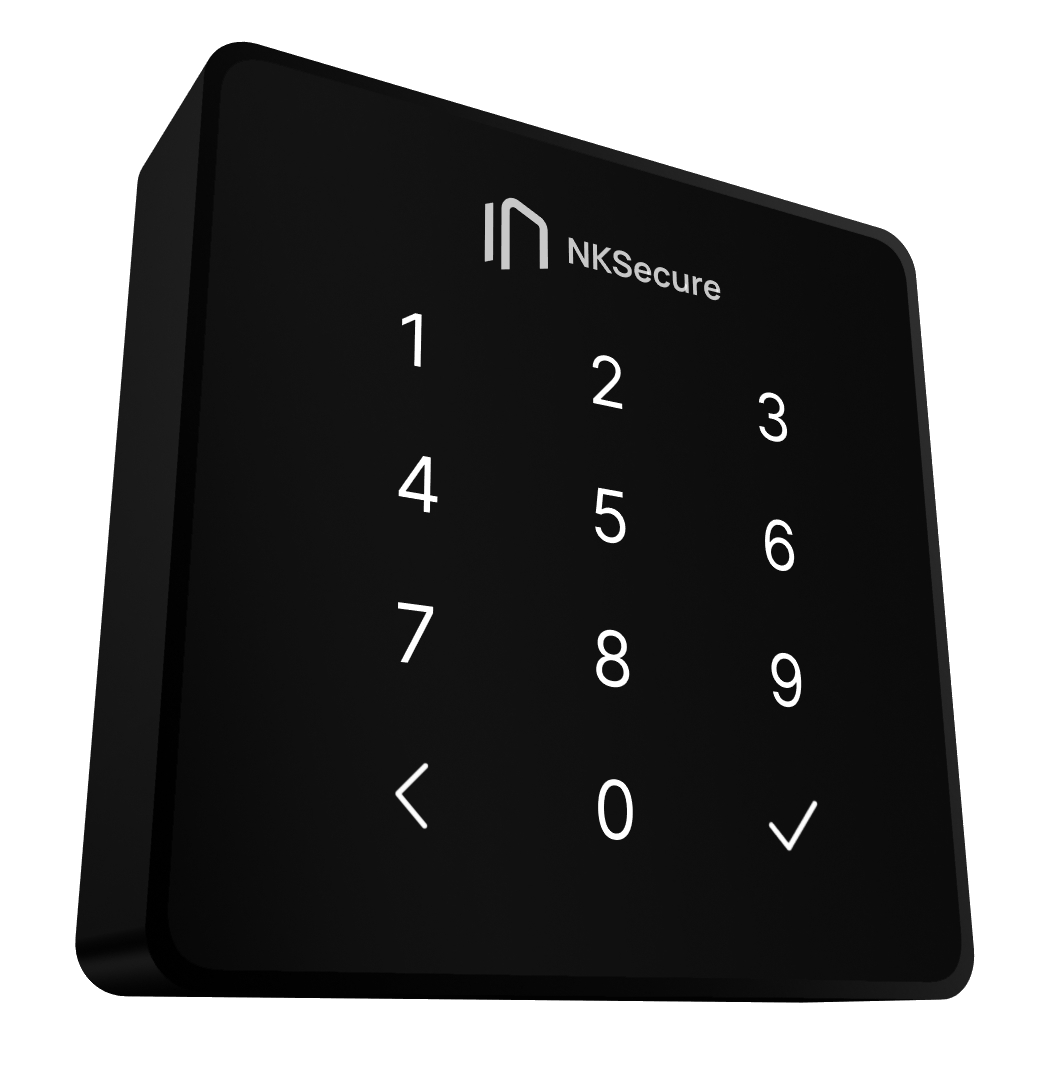
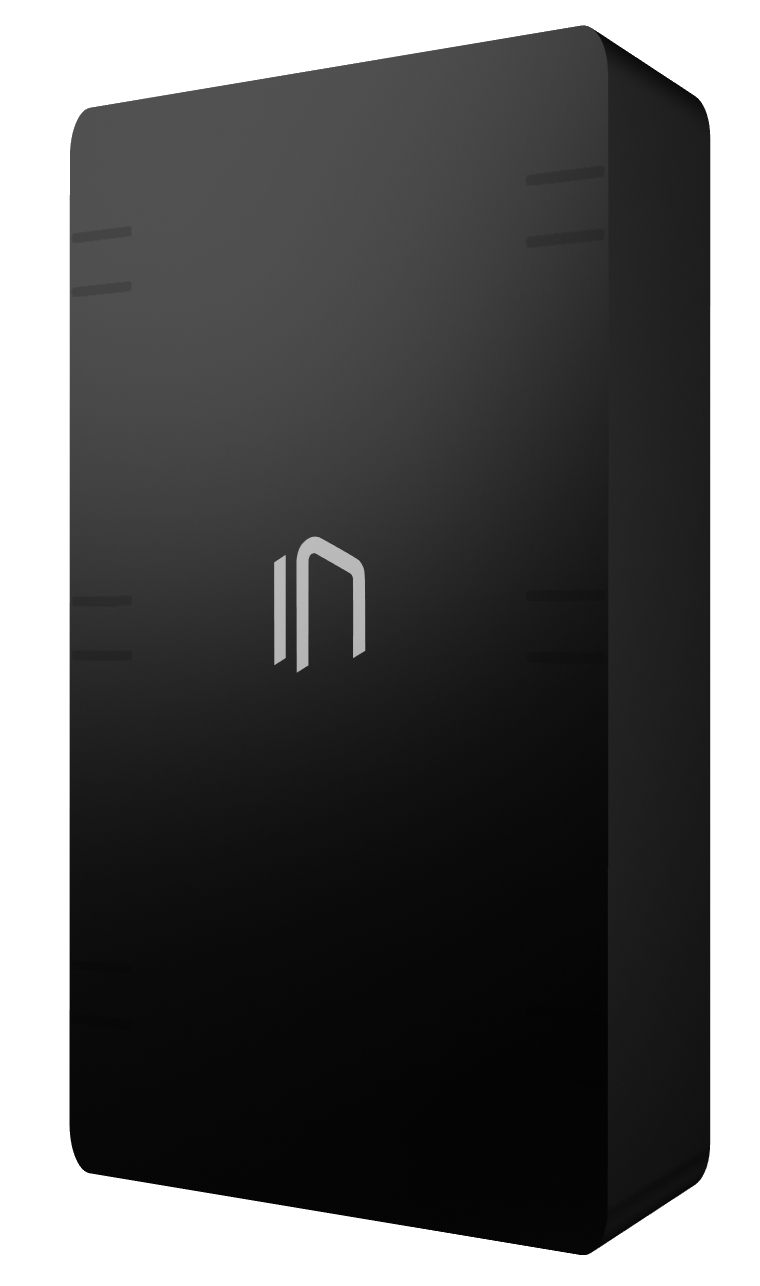
Calculate your savings with NKSecure smart locks
Submit a request and a 10% discount will be reserved for you automatically
We will contact you, tell you more about NK Pro, and calculate your savings after implementation.
By filling out and submitting the form, I agree to the processing of personal data
Project in the media spotlight








Notes:
- According to a study by ABI Research commissioned by the NFC Forum (an industry standards body), consumers in nine countries rated contactless NFC payments as the safest, most convenient, and most reliable payment method compared with plastic cards, QR codes, and cash. This finding was published in the report “NFC Contactless Payments: A Global Consumer Perspective” (2023).