Hotels
- Centralized room access management
- Automated guest check-in
- Stable customer experience
A device that connects your NFC locks to the internet and opens advanced access control features
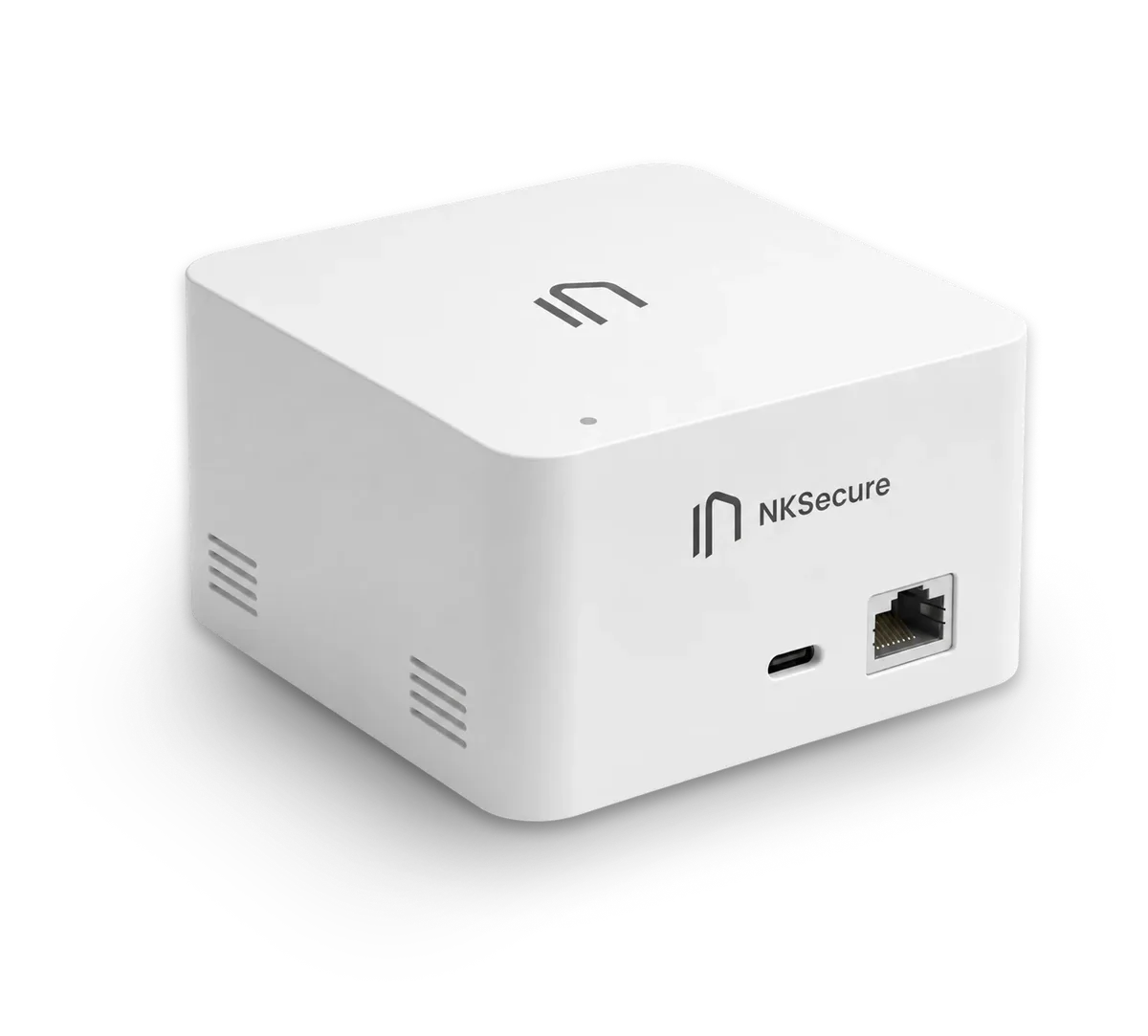








Consider your property's needs and choose the scenario that fits your workflow
Four steps from installation to remote access management
Installed on‑site within ~15 meters of the lock
Connect the hub to the network in the NKSecure app
Connect the locks to the hub via the NKSecure app
Now you can control your locks remotely!
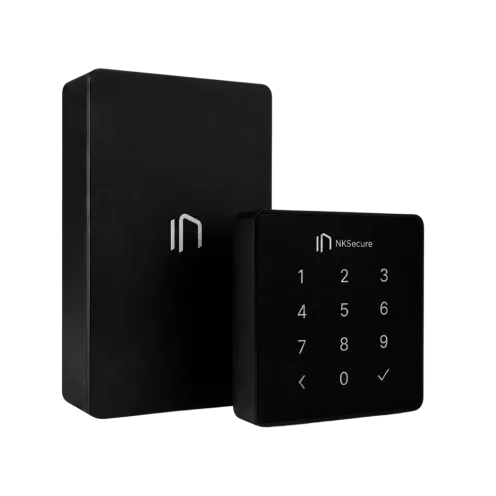
Adding/removing code passwords
Only by being near the lock
Opening the lock
Only by being near the lock
The first opening by a new user
Tap 3 times to activate and log in
Notifications in the NKSecure App
Notifications are not received if the caller's phone is not connected to the Internet.
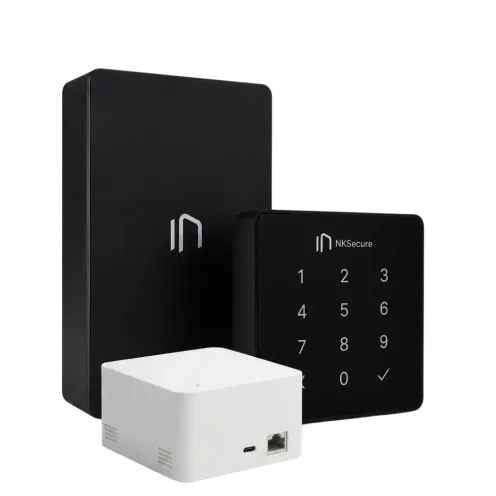
Adding/removing code passwords
Remotely via the app
Opening the lock
Remotely via the app
The first opening by a new user
Lean against it once to enter
Notifications in the NKSecure App
They always come
NK Pro | NK Pro + NK Hub | |
|---|---|---|
| Adding/removing code passwords | Only by being near the lock | Remotely via the app |
| Opening the lock | Only by being near the lock | Remotely via the app |
| The first opening by a new user | Tap 3 times to activate and log in | Lean against it once to enter |
| Notifications in the NKSecure App | Notifications are not received if the caller's phone is not connected to the Internet. | They always come |
Automate routine operations and scale access management
Without expanding your team
Scale the number of facilities and castles without staff growth
Lower
operating costs
Fewer
manual tasks
More
control
Better
user experience
The NKSecure Hub only works with NKSecure locks and is fully compatible with the mobile app and access control system
Contact us